Set up your curriculum in five minutes
For Ministry leaders. Set up curriculum in minutes. Save time and money. Because what you teach at church should be remembered forever.


Here's the deal:
Deliver Any Curriculum, Across Every Screen
With Playlister, you never have to download curriculum to your computer and then program Flash Drives or ProPresenter. What's the bottom line? Whether you use Orange curriculum, Hyfi curriculum, build your own, or mix both — Playlister powers it all for kids, volunteers, and staff every weekend.


Three steps to set up Church Curriculum
Once your media files are imported into Playlister, it only takes three steps to get it to all your screens:
- On your computer, drag and drop your curriculum videos into a playlist
- When you come into your rooms, all your playlist containing your media will be ready on your TVs
- Train your volunteers to teach in 10 seconds

Meet the better way to use YouTube at your church
Playlister takes the videos you already trust — and makes them usable in real church settings.
- One-click YouTube Import
- Search and import directly into your Media Library
- No downloads, no third-party tools


It gets better: 100% refund if you're not happy
You might be wondering: how should I get started? You can get started with your free-forever account or get a demo. Want to know the best part? If you get a demo with us, we'll give you a free Apple TV.
Request a demo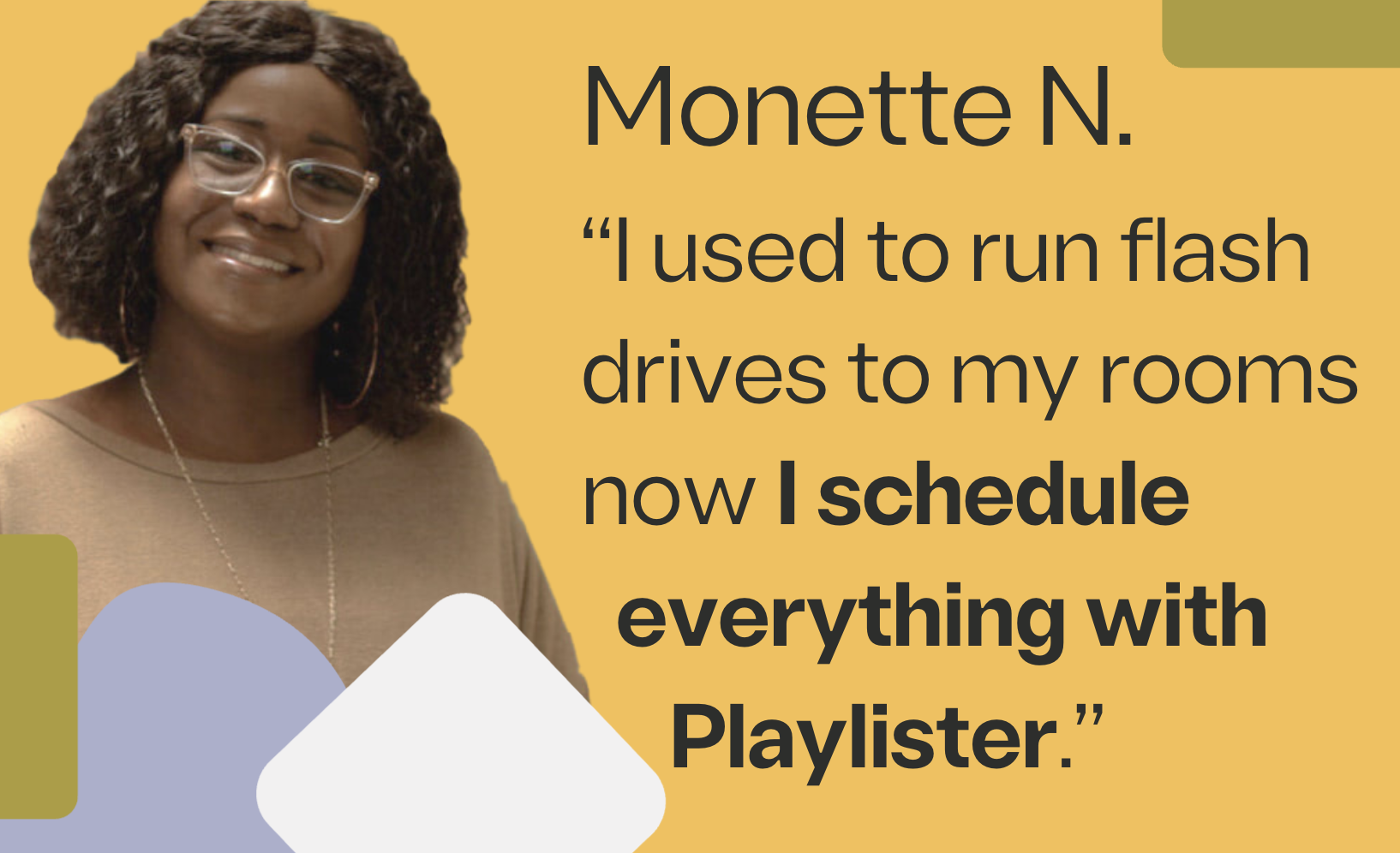
Get rid of Flash Drives, video editing software, and ProPresenter
Why does getting your Sunday curriculum ready each week have to be so hard? Moving Flash Drives around town, getting a call about ProPresenter training in the middle of the night, editing your videos, and splicing them with Orange for hours. Playlister eliminates all of this.

Want to know the best part? You can import any YouTube video instantly
With Playlister, you never have to download or upload YouTube videos. YouTube links pasted in instantly sync in your content.
try free Account


Frequently asked questions
Playlister is the ProPresenter alternative that takes the stress out of Kids Ministry. Why? Over 90+ reviews from Kids Pastors that rated Playlister 4.7/5 stars. 👉 Compare more than just features here 👈
Yes, and it's worth every penny. For Playlister in the classroom you need an Apple TV because with an Apple TV your content will get stored and work offline. You can get an Apple TV HD for $149. Click here for more information about the Apple TV HD.
Just search for “Playlister Screen” in the TVOS App Store. Your Apple TV needs to be a 4th Generation Apple TV to be compatible with Playlister.
Yes. You can click here to set up your free Playlister account. With your Account, you can do a free 30-day trial of all our products and features.
Trusted way to teach Kids Ministry curriculum


"Try Playlister out, you will not be disappointed"
Read our customer's reviews on G2. See what folks say about their experience with us.
Read our reviews
"This is a game changer"
“It took me a minute and a half to set up Playlister. I’m super impressed.”

"I am a hero to the people"
"The volunteers had never heard of an Apple TV and could do Playlister. Thanks for making me look good."

"Everyone loves the time it saves us. I'm ordering more."
Why is Playlister the ProPresenter alternative that takes the stress out of Kids Ministry?
Compare the reviews
"Playlister is AMAZING"
"We were burning DVDs, now with Playlister we don't have to and we save a ton of time every week.”

"Fixing a big problem"
“The simplicity of the interface and custom branding are great. Playlister has an excellent product that is fixing a big problem.”

"No instructions needed"
"Allows us to manage the content from a central location where as before we would have to deliver USB drives to each campus."