


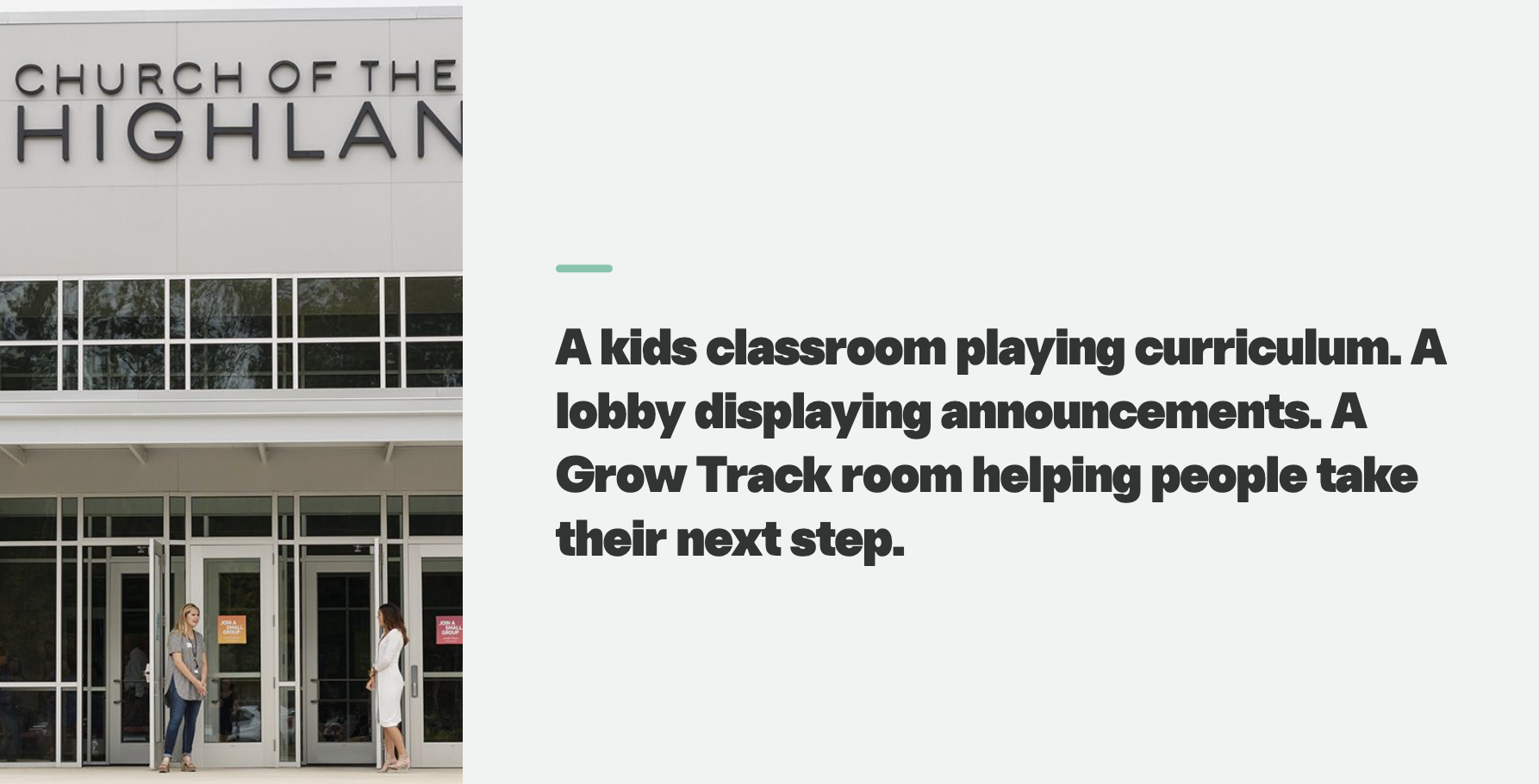
It may be in a kids classroom playing curriculum, in a lobby displaying announcements, or in a Grow Track room helping guide a group. Each screen serves a different purpose, but every one still needs the right content, in the right place, without creating additional work for campus teams.
Church of the Highlands has built a system with Playlister that gives individual ministries control over their content while maintaining consistency across the larger organization.
The Challenge of Managing 600+ Screens
Managing media for one building is complicated enough. Across 26 campuses, small inconsistencies can quickly become larger operational problems.
Every campus has multiple ministries, different room configurations, and occasional local events. Without a shared system, content can become difficult to distribute, screens can be configured differently, and central teams can become the bottleneck for every update.
Church of the Highlands needed a system that could provide:
- Consistency across campuses
- Flexibility for individual ministries
- Simple playback inside each room
- Central oversight without centralizing every task
- Room infrastructure that could scale into new buildings
Playlister gives Highlands a common platform while allowing each ministry to use it differently.
One Platform Across Multiple Ministries
Rather than limiting Playlister to one department, Church of the Highlands uses it across four primary areas.
1. Kids Ministry
Kids Ministry is one of the largest Playlister users at Highlands. Playlister delivers curriculum, videos, slides, and other media to Apple TVs throughout its kids environments.
The Kids team manages its own content because it understands the order and flow of each service. A central team helps maintain the technical structure by overseeing tags, storage, and screen organization.
This division of responsibility keeps the central team from having to build every kids playlist while still protecting consistency across the system.
2. Adult Environments
Many campuses use Playlister in smaller adult ministry spaces, including Grow Track rooms.
These rooms do not require a complete production setup. An Apple TV running Playlister provides a simpler way to deliver presentations and videos without installing and maintaining a computer in every room.
3. Creative and Digital Signage
Highlands also uses Playlister for digital signage throughout its campuses.
Lobby screens and other shared spaces can display recurring content without requiring someone to manually start it each time. Once the appropriate content and tags are in place, the screen can continue running its assigned playlist.
4. Production
The Production team helps move approved creative assets into the systems that need them. When content is intended for a Playlister screen, it can be uploaded and distributed to the appropriate rooms and campuses. Playlister does not have to replace every tool in the production workflow. It serves the environments where centralized content distribution and straightforward Apple TV playback are most valuable.
One of the most practical parts of Highlands’ system is how access is divided.
Campus teams can receive enough access to support local events and one-time needs. At the same time, permissions help prevent accidental changes to shared tags, playlists, or content used by other campuses.
The result is a balance between two competing needs:
- Central teams can maintain organization and consistency.
- Campus and ministry teams can respond to their own environments.
This keeps every small request from becoming a central support task without giving every user unrestricted access to the entire system.
A Simpler Standard for New Rooms
Playlister is also influencing how Highlands equips new ministry spaces.
Rather than designing new kids rooms around DVD players, physical media storage, or dedicated computers, Highlands can standardize around three core components:
- A television
- An Apple TV
- Playlister
This reduces the amount of equipment installed in each room and gives new campuses a repeatable starting point. Content can be managed digitally instead of storing and maintaining physical media throughout the building.
As Highlands continues to grow, new rooms can be added to an established system instead of creating a new playback workflow each time.
Why the Model Scales
The strength of Highlands’ approach is not simply the number of screens it manages. It is the way responsibilities are distributed.
The ministry teams closest to the content can control what their environments need. Central teams establish the technical guardrails. Campus teams have flexibility where appropriate. Every room uses a familiar playback foundation. That structure allows Highlands to support more without requiring one person or department to manually operate every screen.
What Other Churches Can Learn
Church of the Highlands’ system offers four practical lessons for churches managing media across multiple campuses:
1. Standardize the Room
Using the same basic equipment makes new rooms easier to launch, support, and troubleshoot.
2. Let Ministry Teams Own Their Content
The people who understand the ministry flow should be able to organize the content their rooms need.
3. Centralize the Guardrails
Tags, permissions, storage standards, and screen organization can remain centrally managed without turning the central team into a bottleneck.
4. Give Local Teams the Right Amount of Access
Campus flexibility does not require unrestricted access. Permissions can allow local customization while protecting the larger system.
A Media System Built to Grow
Managing 600+ screens across 26 campuses requires more than a way to play videos. It requires a system that supports multiple ministries, protects organizational consistency, and remains manageable as new campuses and rooms are added. Church of the Highlands uses Playlister to create that shared foundation across Kids, Adults, Creative, and Production, giving each team the tools it needs without losing the advantages of one connected system.
If your church is managing content across multiple rooms or campuses, Playlister can help you create a media system designed to grow with you.
Schedule a Playlister walkthrough