


As Sunday approaches, your church media system becomes one of the most important parts of the week. Lesson videos need to be ready, screens need to show the right content, and volunteers need to know exactly what to do when families start arriving.
Church media is no longer just a file, a screen, or a Sunday morning task. From kids ministry curriculum to multi-site communication, your media setup shapes how smoothly your church teaches, serves, and scales. But not every system is operating at the same level. Some churches are still relying on scattered downloads and USB drives. Others have folders and processes in place, but still spend too much time checking, copying, and troubleshooting.
That difference matters. As your ministry grows, a media workflow that once felt “good enough” can quickly become a source of friction. Files get duplicated. Rooms fall out of sync. Volunteers need extra support. Staff spend more time managing content than preparing for ministry.
In this guide, we’ll walk through the five levels of church media growth, from chaos to automation, and show how your team can move toward a church media setup that is clearer, more reliable, and easier to scale.
What is the church media maturity model?
The church media maturity model is a simple way to understand how reliable, repeatable, and scalable your church media system really is. Instead of judging your setup by how many tools you use, it looks at how well your workflow supports the people using it.
A church with strong media maturity does not need one person to remember every step, fix every issue, or carry the whole system each Sunday. The process is clear. Ministry content is easy to find. Volunteers know what to do. Rooms stay consistent. New services, classrooms, or campuses can be added without creating more pressure for the team.
Most churches fall into one of five levels:
Level 1: Chaos
Files are everywhere, nothing is documented, and Sunday depends on whoever knows where the content lives.
Level 2: Organized Chaos
Folders exist, and the team has a basic process, but setup is still manual and easy to disrupt.
Level 3: Structured
Systems are in place, but they still rely on specific people, extra checks, or manual steps to work well.
Level 4: Scalable
Media is centralized, repeatable, and reliable across rooms, teams, or campuses.
Level 5: Automated
Content is scheduled ahead, synced to the right places, and ready with minimal manual work.
No level is a failure. Each one reflects a stage of growth. The goal is not to build the most advanced church tech setup overnight, but to identify where your digital media system is today and take the next practical step forward.
Level 1: Chaos
At Level 1, church media depends more on memory than on systems. Files may live in downloads folders, email threads, USB drives, personal laptops, old desktops, or shared drives that no one has fully organized. The right content might exist somewhere, but finding it takes time, context, and often a specific person.
This stage is common in growing churches, especially when media responsibilities have expanded faster than the workflow around them. A team may have started with one room, one service, and one volunteer who knew exactly what to do. But as the ministry grows, that informal process starts to show its limits.
In a Level 1 church media setup, Sunday preparation often feels reactive. Someone is checking whether the correct lesson video made it onto the classroom computer. Someone else is asking which file is final. A volunteer may be waiting for instructions because there is no clear checklist to follow.
The biggest risk at this level is not lost content, it’s lost confidence. When volunteers are unsure, staff feel pressure to step in. When staff step in every week, the system becomes dependent on their availability. Over time, that creates burnout and makes the ministry harder to scale.
Level 1 churches are not short on commitment. They are short on repeatable systems. The first step forward is simple: stop relying on where people remember things are, and start creating one clear place for media to live.
Level 2: Organized Chaos
At Level 2, the church media system looks more organized on the surface. There may be shared folders, naming conventions, weekly checklists, or a regular process for preparing Sunday content. Compared to Level 1, this is a real step forward. The team has recognized that media cannot live everywhere and that volunteers need a clearer path.
But the workflow is still highly manual.
Someone still needs to download files, rename them, move them, upload them, test them, or copy them to the right device. A kids ministry leader may have a folder for each week’s curriculum, but still needs to make sure every classroom has the correct content before Sunday. A campus team may know where files belong, but still has to repeat the same setup process in multiple rooms.
Organized chaos can feel deceptively stable. Because folders exist and the team has a routine, it may seem like the system is working. But when one step is missed, the cracks quickly show. A file ends up in the wrong folder. A volunteer opens the wrong version. A room gets skipped. The system works, but only when people keep manually holding it together.
This is often the stage where churches start asking bigger questions about church media software, church presentation software, and better ways to manage their weekly setup. The goal is no longer just to organize files, but to reduce the number of times people have to touch them.
Level 2 is progress, but it is not yet scalable. To move forward, churches need to turn folders into workflows and replace repeated manual steps with a system that is easier to repeat every week.
Level 3: Structured
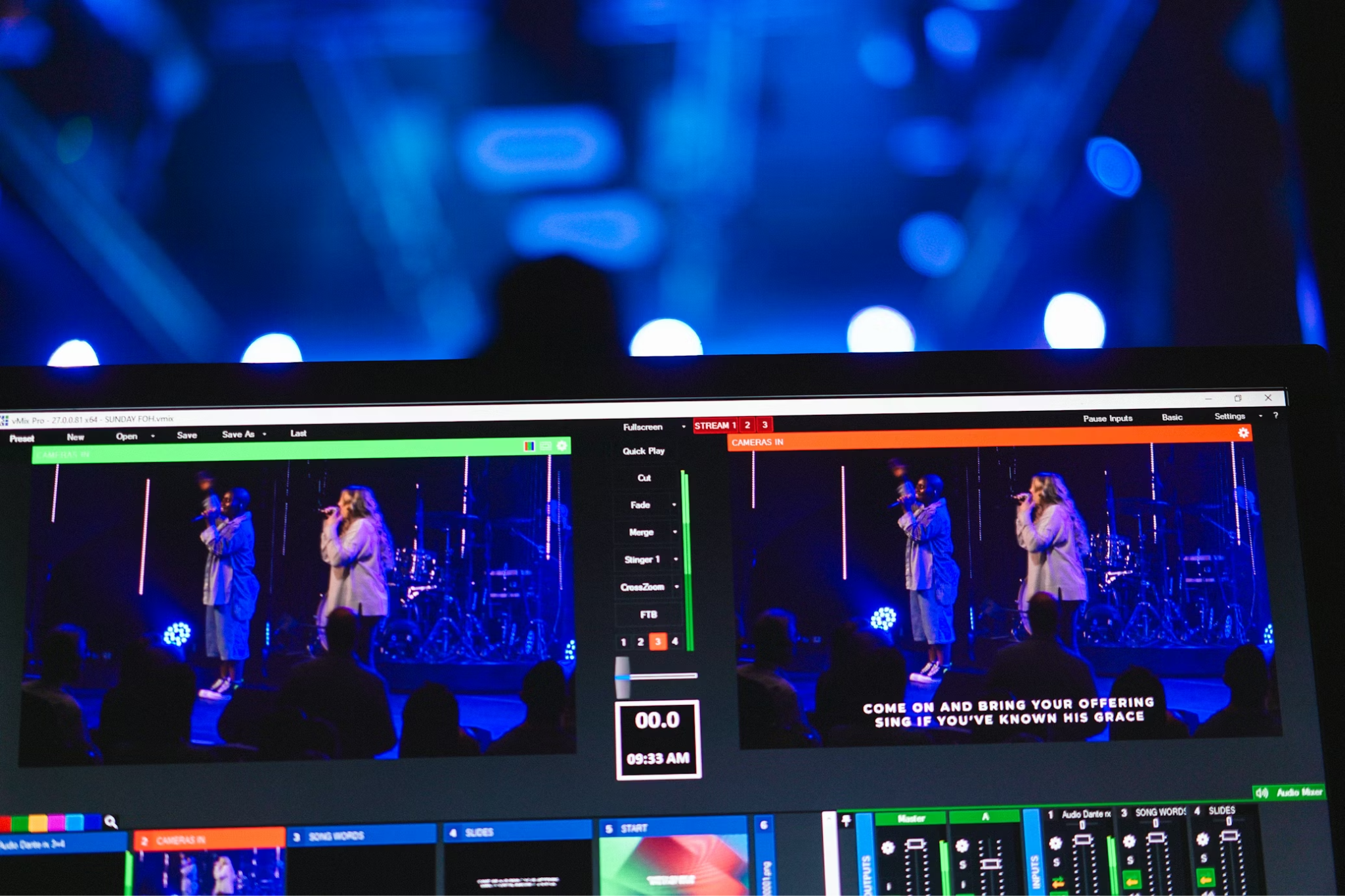
At Level 3, your church media setup has a clear shape. The team knows where content belongs, who prepares it, and what needs to happen before Sunday. There may be a shared drive, a planning document, a presentation tool, or a standard checklist that helps everyone follow the same process.
This is where church media starts to feel more reliable. Volunteers are not guessing from scratch each week. Staff have a routine. Lessons, worship videos, slides, and announcements are usually ready on time. Compared to the first two levels, there is less scrambling and more confidence.
But structured does not always mean scalable.
A Level 3 system can still depend heavily on one or two trained people. If the media lead is away, the process may suddenly feel less clear. If a new classroom opens or another campus is added, the same workflow may require more manual effort. The system works, but it may not stretch easily.
This is the point where many churches realize that documentation alone is not enough. A checklist helps, but someone still has to complete every step. A folder system helps, but someone still has to move files into the right places. A tool helps, but only if volunteers can use it confidently.
Level 3 is a strong foundation. The next step is to make the system less dependent on individual expertise and more capable of supporting growth. That means centralizing media, simplifying volunteer steps, and building a workflow that can serve more rooms without multiplying the workload.
Level 4: Scalable
At Level 4, church media becomes easier to repeat, even as the ministry grows. Content is centralized. Workflows are clear. Volunteers know what to expect. Rooms and campuses can access the right media without someone rebuilding the process from scratch every week.
This is where church tech starts to feel like real support rather than another church media management task.
A scalable church media setup does not depend on one laptop, one USB drive, or one person’s memory. Instead, the team has a reliable process for preparing, approving, and delivering content. A kids ministry director can build the weekly media plan once, knowing each classroom will have access to the right lesson videos, worship motions, and teaching materials when they are needed.
The biggest benefit of Level 4 is consistency. Volunteers feel more confident because the process is familiar. Staff save time because they are not checking every room manually. Families and kids experience a smoother ministry environment because content is ready, aligned, and easy to launch.
Scalability does still require ownership. Someone needs to maintain the system, keep files organized, and make sure the workflow stays clean over time. But the difference is that the system no longer grows heavier every time the ministry expands.
Level 4 churches are more organized and more prepared. Their media systems are built to support growth, not slow it down.
Level 5: Automated
At Level 5, church media is no longer something your team has to rebuild every week. Content is prepared ahead of time, scheduled in advance, and ready to play when volunteers walk into the room.
This is the stage where manual setup becomes minimal. Instead of downloading files, moving them between devices, or checking each screen before service, your team can rely on a system that syncs content to the right place at the right time. Volunteers are not starting from a blank screen. They are stepping into a workflow that has already been prepared for them.
For children’s ministry teams, this can make a major difference. Lessons, worship videos, memory verse slides, and countdowns can be organized before Sunday, so classroom leaders can focus on welcoming kids and supporting families instead of troubleshooting media.
Automation does not mean removing people from ministry. It means removing avoidable friction from ministry. Staff still choose the content. Leaders still shape the teaching experience. Volunteers still bring warmth, energy, and care to the room. The system simply handles the repeatable steps that do not need to be done manually every week.
At this level, church media feels calm, resilient, and ready. If one person is away, the system still works. If another classroom is added, the process can stretch. If the church grows, the workflow grows with it.
How to move up the church media maturity model
Improving your church media setup does not mean changing everything at once. The healthiest approach is to move one level at a time, starting with the places where your current system creates the most pressure.
Begin by naming your current level honestly. Is your team still searching for files each week? Are folders in place, but setup still feels manual? Do volunteers know what to do, or does one person carry most of the process? Clarity helps you focus on the next right step instead of chasing every possible upgrade.
Next, centralize your media. Before you automate anything, make sure your content has one clear home. Curriculum files, worship videos, slides, announcements, and classroom media should be easy to find, clearly named, and organized in a way that makes sense to the people using them.
From there, standardize the weekly workflow. Create a simple process for preparing content, checking files, building playlists, assigning media to rooms, and training volunteers. A repeatable checklist can quickly reduce confusion, especially for teams that rely on rotating volunteers.
Once the workflow is clear, start removing manual steps. Look for anything your team does repeatedly every week, such as copying files to devices, checking individual rooms, rebuilding playlists, or walking volunteers through the same instructions. These are the areas where better church media software can create the biggest gains.
Finally, build for scale. A strong media system should not become heavier every time your church adds a room, service, or campus. The goal is a church media setup that is easy to repeat, easy to train, and ready before Sunday morning begins.
Common stuck points
Even when churches know their media system needs to improve, it can be hard to move forward. Most teams are not stuck because they do not care. They are stuck because the current process is familiar, even when it creates extra work.
One common barrier is fear of change. If the existing church media setup mostly works, leaders may worry that changing tools or workflows will create more disruption. But the riskiest system is often the one everyone is afraid to touch. When only one person knows how everything works, Sunday is always one absence away from confusion.
Another stuck point is lack of ownership. Church media often sits between departments, especially in kids ministry, worship, communications, and IT. When everyone contributes but no one owns the process, files drift, standards slip, and volunteers receive mixed instructions.
Naming a clear owner for the workflow helps keep the system clean and consistent.
Tool overload can also slow progress. Many churches add new platforms whenever a gap appears, but more tools do not always mean more maturity. Sometimes the better move is to simplify. If your team is using one tool to store content, another to build playlists, another to display media, and another to communicate instructions, the workflow may be creating more steps than it solves.
The goal is not to collect more church software. The goal is to create a media system your team can trust.
Where Playlister fits

Playlister helps churches move from organized chaos toward a more scalable church media system. Instead of relying on downloads, USB drives, classroom laptops, or a room-by-room setup, teams can manage their kids' ministry media from one central platform.
With Playlister, leaders can build playlists, schedule curriculum content, and sync media across every TV connected to Apple TV. That means volunteers are not searching for files or guessing what to play. The right content is ready in the right room, helping Sunday feel calmer before families even arrive.
This is especially useful for churches sitting at Level 2 or Level 3. These teams often have some structure in place, but still spend too much time moving files, checking devices, and supporting volunteers manually. Playlister reduces those repeated steps, giving staff a simpler way to prepare media and a clearer experience for the people serving each week.
For multi-site churches, that consistency becomes even more valuable. A centralized church media setup helps every campus deliver the same curriculum experience without each team rebuilding the process on its own.
The result is a faster setup and a more reliable system for the ministry. When media is easier to manage, volunteers feel more confident, staff gain back time, and kids receive a smoother, more consistent learning experience.
Build a church media system that scales with your ministry
Every church can move up one level. You do not need to rebuild your entire church media setup overnight or add more tools than your team can realistically manage. The better starting point is to identify where your system is today, then choose one practical improvement that makes Sunday simpler for staff and volunteers.
For some churches, that means centralizing files so media is easier to find. For others, it means creating a repeatable weekly workflow, reducing manual transfers, or replacing disconnected tools with church media software that supports growth. Small changes can make a major difference when they remove the same points of friction your team faces every week.
The most mature church media systems are not the flashiest. They are the ones that are clear, reliable, and easy for people to use. They help volunteers feel confident, give staff time back, and create a smoother experience for the families and children your ministry serves.
If your church is ready to move from organized chaos to a scalable media system, Playlister can help. Build playlists, schedule curriculum, and sync media across every classroom TV, all from one simple platform.
Start simplifying your Sunday setup with Playlister today.