


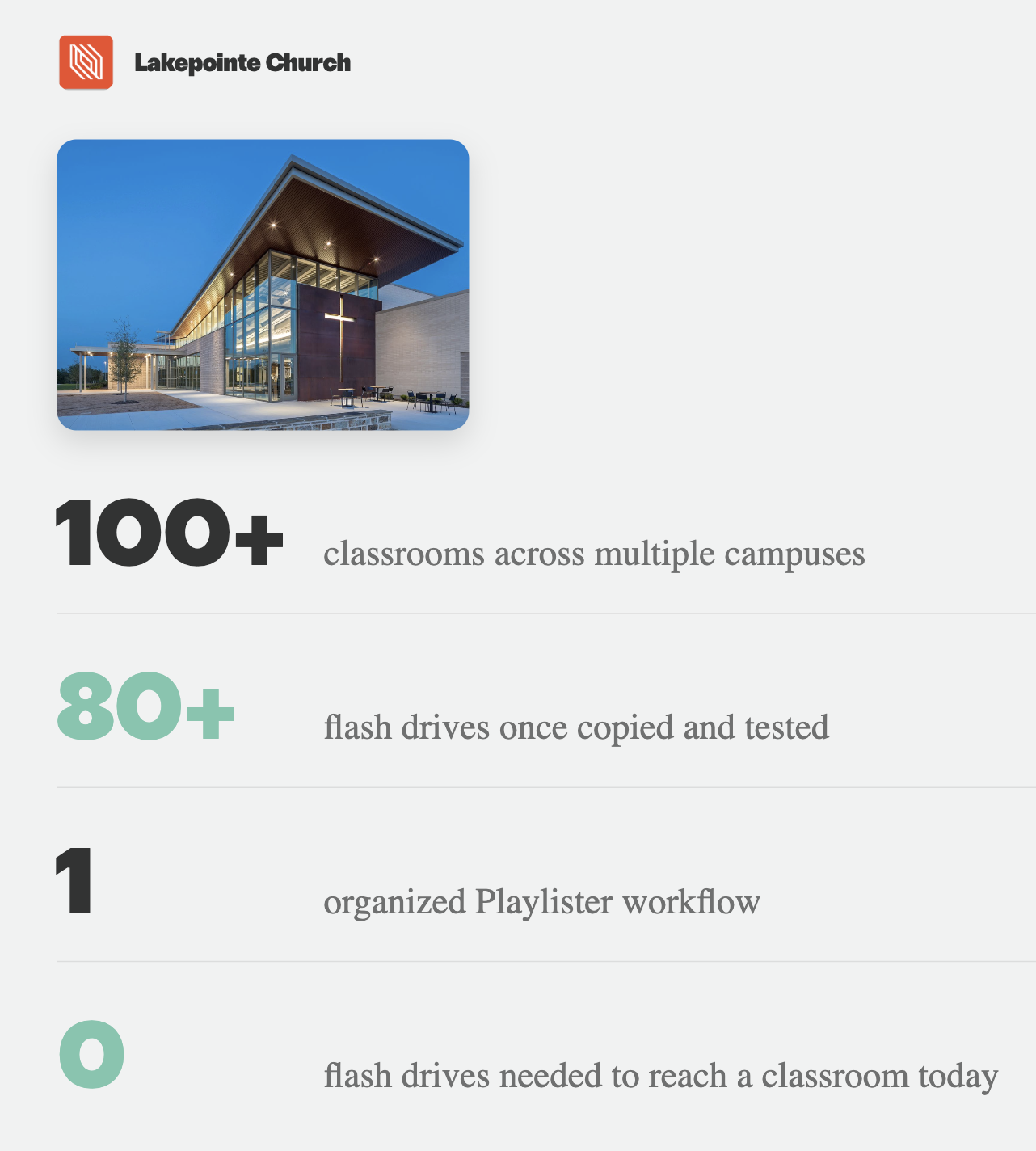
There is a version of Kids Ministry preparation that starts with a pile of flash drives. Every lesson video, worship song, game, and slide deck has to be copied, labeled, delivered, and tested before the weekend begins. At Lakepointe Church, that was not a hypothetical problem. Their team once copied media to flash drives in batches, sometimes making as many as 80+ at a time. Then every drive had to be tested before it reached a classroom. Today, Lakepointe prepares an entire month of Kids Ministry content through one organized Playlister workflow.
The Challenge Gets Bigger With Every Screen
Lakepointe's Kids Ministry operates across multiple campuses with more than 100 classrooms. Those classrooms support Sunday services, weekday childcare, Mother's Day Out, and other ministry needs throughout the week. Each program has its own timing, age groups, and classroom needs. A content change that feels small in one room becomes a much larger distribution job when it has to reach multiple classrooms across the church. The old process made every additional room another flash drive to prepare and another place to check. Lakepointe needed a system that could keep the entire ministry organized without turning content delivery into a weekly logistics project.
One Month at a Time
Instead of rebuilding everything week by week, Lakepointe's team prepares a full month of Kids Ministry playlists together. Curriculum files are downloaded and organized into folders by month and content type. From there, the team builds the playlists needed for each week. Videos, PowerPoint slides, music, and games can be uploaded once and placed exactly where they belong. The result is a repeatable monthly rhythm: organize the media, build the playlists, check the order, and make them available to the appropriate classrooms.
One Workflow, Different Programs
Lakepointe's classrooms are not used only on Sunday morning. Childcare can take place five or six days a week, while weekday programs such as Mother's Day Out have their own schedules and classroom needs. The value is not that every room shows the same thing. Each program can have its own playlist and content. The advantage is that the team can prepare and distribute all of it through one familiar system. Weekend playlists can be organized for preschool and grade school. Childcare can have a separate, purpose-built playlist. Weekday programs can be prepared around their own schedule. Even when rooms serve different age groups during the week, the content workflow remains consistent.
Simple Enough to Stay Centralized
Lakepointe manages this large content operation centrally, but the day-to-day process does not require a complicated production system. Once the files are organized, building a playlist is primarily drag and drop. That simplicity matters on both sides of the screen. The central team can prepare a month without manually rebuilding and distributing files for every room. In the classroom, volunteers can open Playlister and lead from the Apple TV remote without learning presentation software.
Lakepointe can also use the curriculum it believes is best for its ministry. The team downloads the curriculum, organizes it in the way that makes sense for them, and uses Playlister as the delivery system. Their curriculum choice and their screen workflow do not have to be the same decision.
The Bigger Picture
At more than 100 classrooms, small inefficiencies multiply quickly. A monthly workflow reduces repeated downloading, manual file handling, and physical distribution while giving the team one organized place to prepare what each program needs. Lakepointe did more than replace a stack of flash drives. They changed the rhythm of content preparation. Instead of asking every week how the files will reach every room, the team can build an organized month in one place and keep Kids Ministry ready throughout the week.
Your Turn
You do not have to change your curriculum to simplify how it reaches your classrooms. Start with one month. Organize the media into folders, build a playlist for each program, and distribute everything from one central account. Playlister helps churches turn a complicated screen network into a repeatable workflow, so the team can spend less time moving files and more time preparing meaningful experiences for kids.